

Back to USFans Spreadsheet home
USFans Spreadsheet — Hoodies
Research hoodie and sweatshirt rows before you order through USFans — Essentials blanks, Hellstar graphics, Sp5der fleece, and zip-ups from Taobao and Weidian. Spreadsheet thumbnails rarely show Asian sizing, print placement, or fleece weight; prefer listings with a size chart when fit matters. A QC badge means the catalog row includes reference gallery photos, not that USFans has warehouse photos of your hoodie yet.
Browse USFans Spreadsheet links ↗Preview picks
Preview rows from the live catalog — QC badges mark listings with reference gallery photos.
 QC photo
White Waffle Knit Long Sleeve T-Shirt
~$25.00
View & buy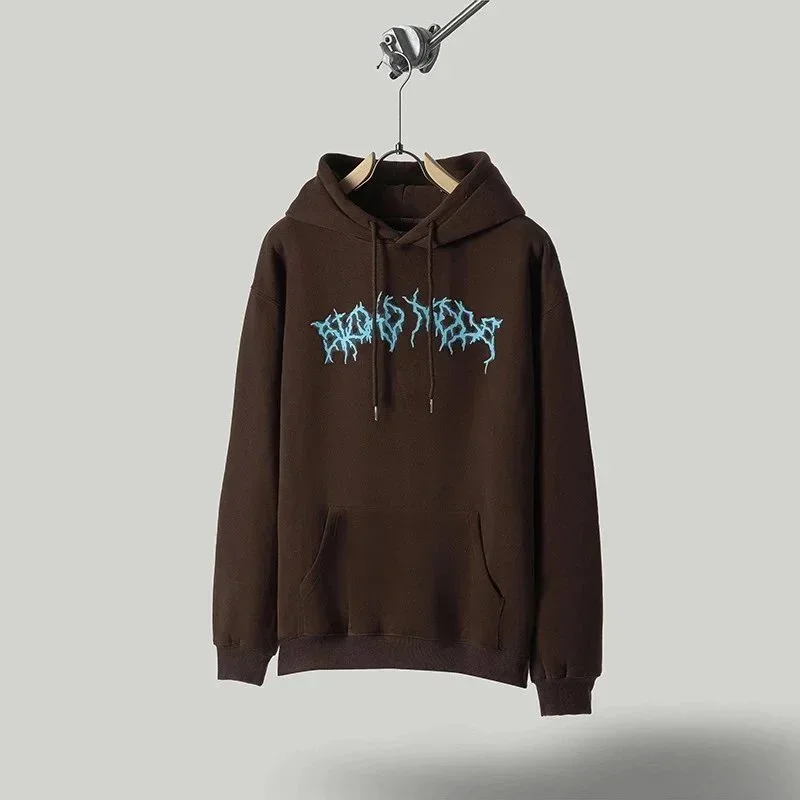
Unisex Brown Hoodie with Blue Embroidered 'Blood Sweat' Graphic
~$29.50
View & buy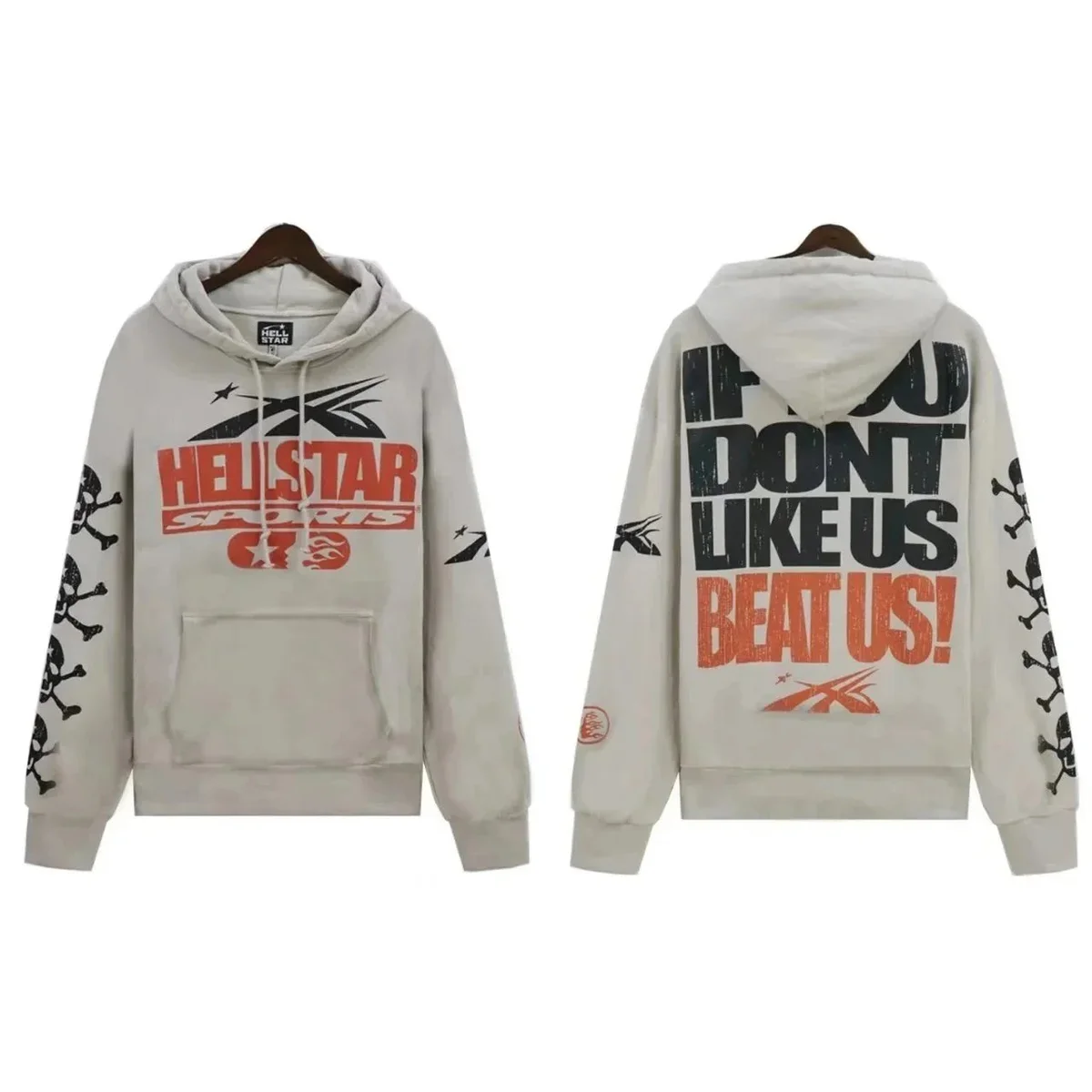
Hellstar Studios Graphic Hoodie in Light Grey
~$26.33
View & buy
Black Spider Web Print Hoodie
~$27.50
View & buy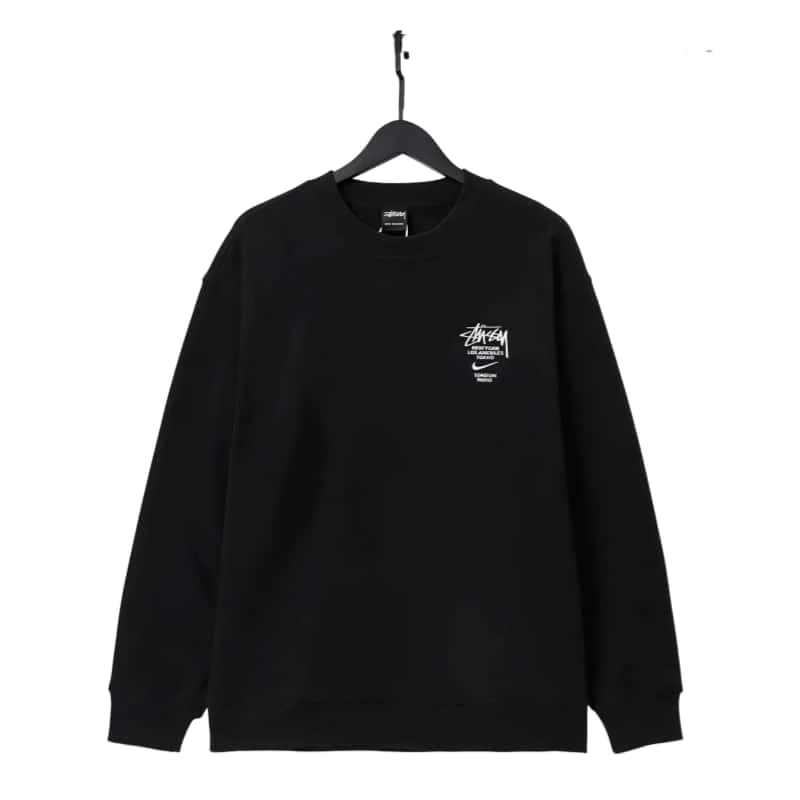
Stussy Black Stussy x Nike Crewneck Sweatshirt
~$31.33
View & buy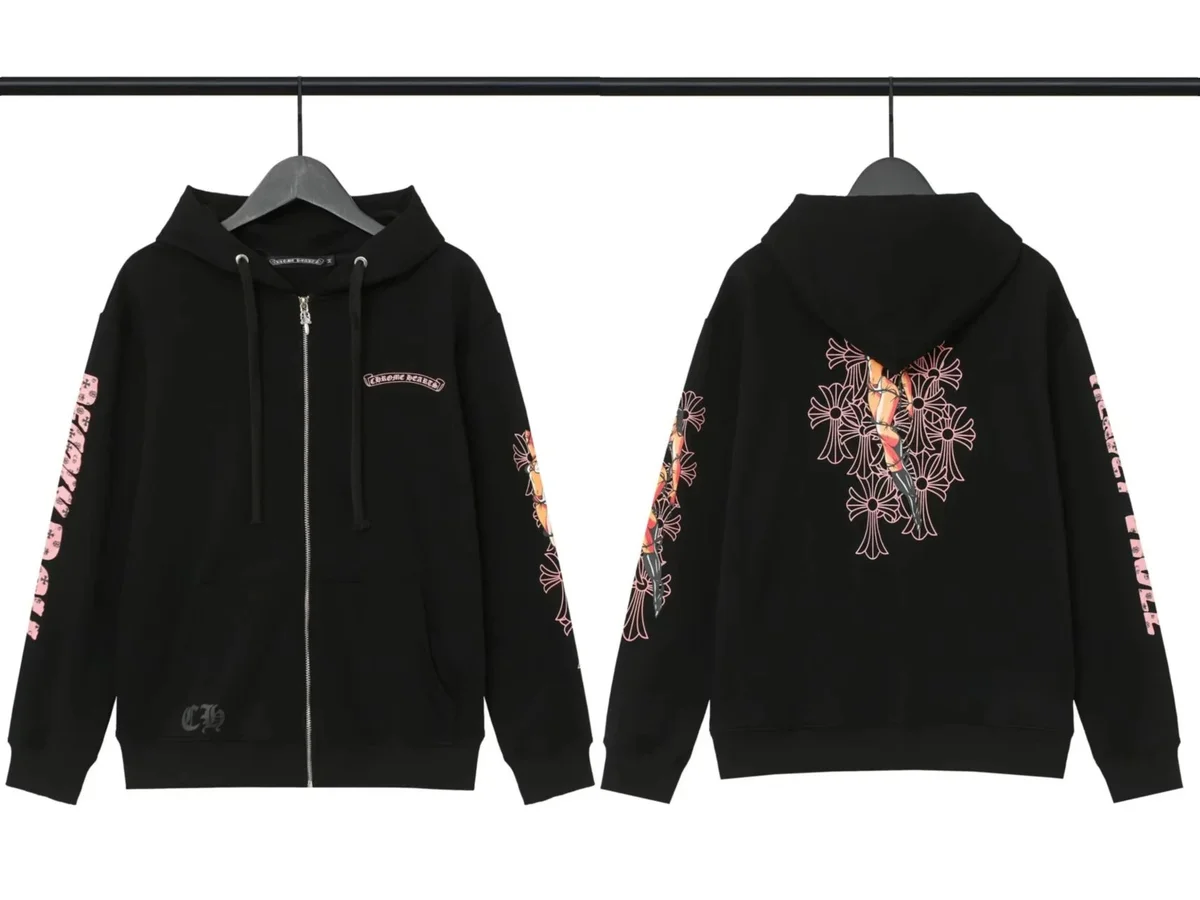
Chrome Hearts Cross Print Zip-Up Hoodie Black
~$27.50
View & buy
Unisex 8-Ball Print Sherpa Jacket
~$51.11
View & buy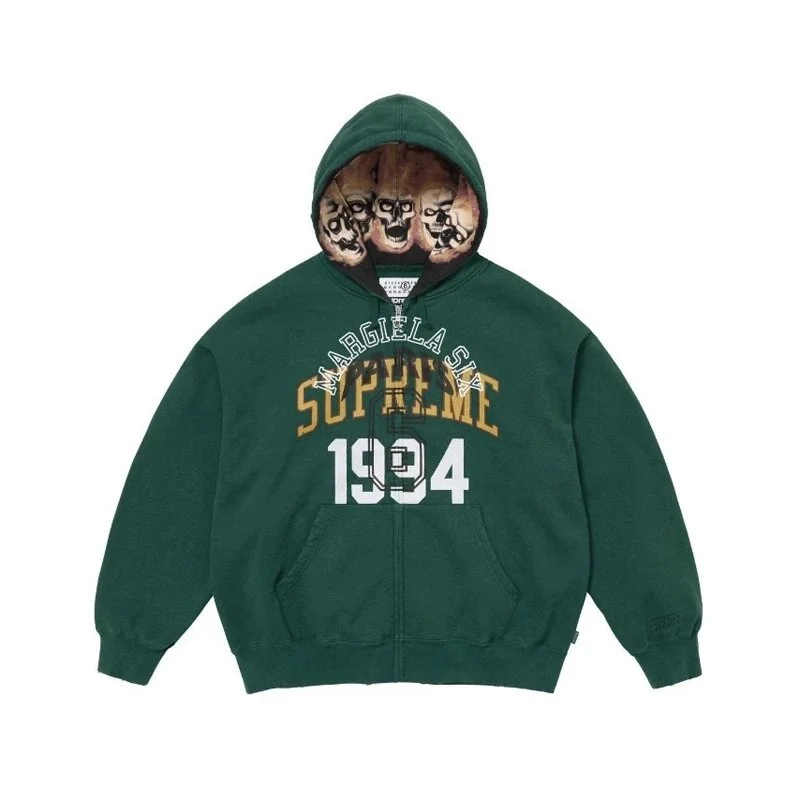
MM6 Maison Margiela Green Supreme 1994 Hoodie
~$76.67
View & buy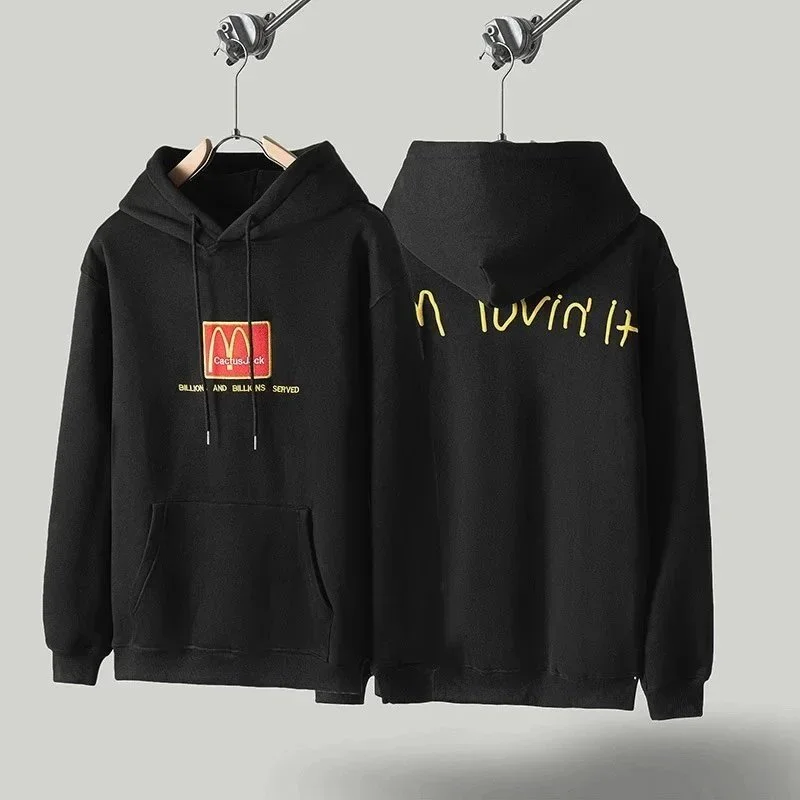
A Bathing Ape BAPE STA Black Cactus Jack Hoodie
~$28.00
View & buy
Trapstar Green Hoodie with White Logo
~$26.67
View & buy
White 'Crtz' Hoodie Sweatshirt
~$26.67
View & buy QC photo
Pink 'Atlanta' Spider Web Print Hoodie
~$27.50
View & buyHow to use USFans Spreadsheet hoodies
Use this lane to shortlist hoodies and sweatshirts — Essentials blanks, Hellstar graphics, Sp5der fleece, and zip-ups from the live catalog. Preview cards below show current listings with USD hints; a QC badge means that row includes extra reference photos worth comparing before you order.
Open the live listing before you paste the URL into USFans. Compare chest and length to a hoodie you own, then review warehouse QC for print placement, fleece texture, and stitching before you pay international shipping.
Heavy fleece adds bulk to a parcel. Factor packed weight before you consolidate hoodies with sneakers or outerwear.
Why hoodies blow up freight — a packed-weight example
A heavyweight fleece row looks cheap until it shares a carton with sneakers. Carriers bill the higher of scale weight and volumetric weight (length × width × height ÷ divisor).
- Scale only: one oversized hoodie often weighs ~0.8–1.2 kg.
- With a shoe box: the same hoodie folded on top can push billed weight to ~2.5–4 kg on express lines because of cube, not fabric.
- Two hoodies + one pair: common mixed haul — ask for packed dimensions before you pick DHL vs economy.
Vacuum or tight fold at the warehouse can help if the line allows it. Spreadsheet USD hints never include this cube. Read the live estimate in USFans after packing, not a Discord $/kg table. See volumetric weight and shipping.
Heavyweight hoodies are cheap in the row and expensive in the parcel. Weight the haul before you submit.
USFans Spreadsheet Hoodies FAQ
Common questions about browsing hoodies on a USFans spreadsheet — guides linked in the answers where helpful.
What is USFans Spreadsheet hoodies?
It is the hoodies and sweatshirts lane — oversized Essentials blanks, Hellstar and Sp5der graphics, Chrome Hearts fleece, zip-ups, and similar rows from Taobao and Weidian. Compare twelve current listings with USD hints, open the product you want, and continue through its purchase link to order. A QC photo badge means gallery reference shots exist on that row. Order and warehouse-photo updates are confirmed during processing. See our spreadsheet guide.
How do I browse hoodie links on a USFans Spreadsheet?
Scroll the preview grid, open a card, and read the live listing for chest/length notes and extra photos. Use QC photo rows when embroidery, rhinestones, or puff print is the reason you want the piece. Compare two similar blanks before you shortlist — seller photos flatten fleece weight. If you need more than twelve cards, open the full catalog from the button above. See our finding products guide.
How do I order hoodies from a USFans Spreadsheet?
Open the live listing from a card, confirm size and color, then submit the marketplace URL on USFans so the seller ships to the warehouse. Heavyweight hoodies are cheap in the row and expensive in the parcel — wait for packed weight before you pick a line. Review warehouse QC for print and stitching, then approve shipping. See our How to buy guide and shipping notes.
What should I check in USFans QC photos for hoodies?
Check print or embroidery placement, puff-print cracks, neck labels, drawcord tips, zipper hardware, and fleece texture under flash. Oversized blanks often look short in a hanging shot — ask for a flat chest and length measurement if the listing chart is thin. Listing galleries compare sellers; warehouse QC confirms the hoodie you will receive. See our QC photos guide.
How do I choose the right hoodie size?
Compare flat chest and body length on the live listing to a hoodie you already own. Streetwear blanks run from slim to cropped-oversized; a title that says XL is not a US retail XL. If measurements are missing, wait for warehouse intake and ask USFans to measure before you export. See our buying workflow.
Why do hoodie hauls get hit on shipping?
Fleece is bulky. Volumetric weight on a packed hoodie can exceed the scale weight, especially with a pair of sneakers in the same box. Vacuum or tight fold at the warehouse if the line allows it, and read the estimate notes before you submit. See our shipping guide.
Stappen: How to buy · QC · Shipping